
Premium
Calendar sync
Your Google Calendar and your household, in step.
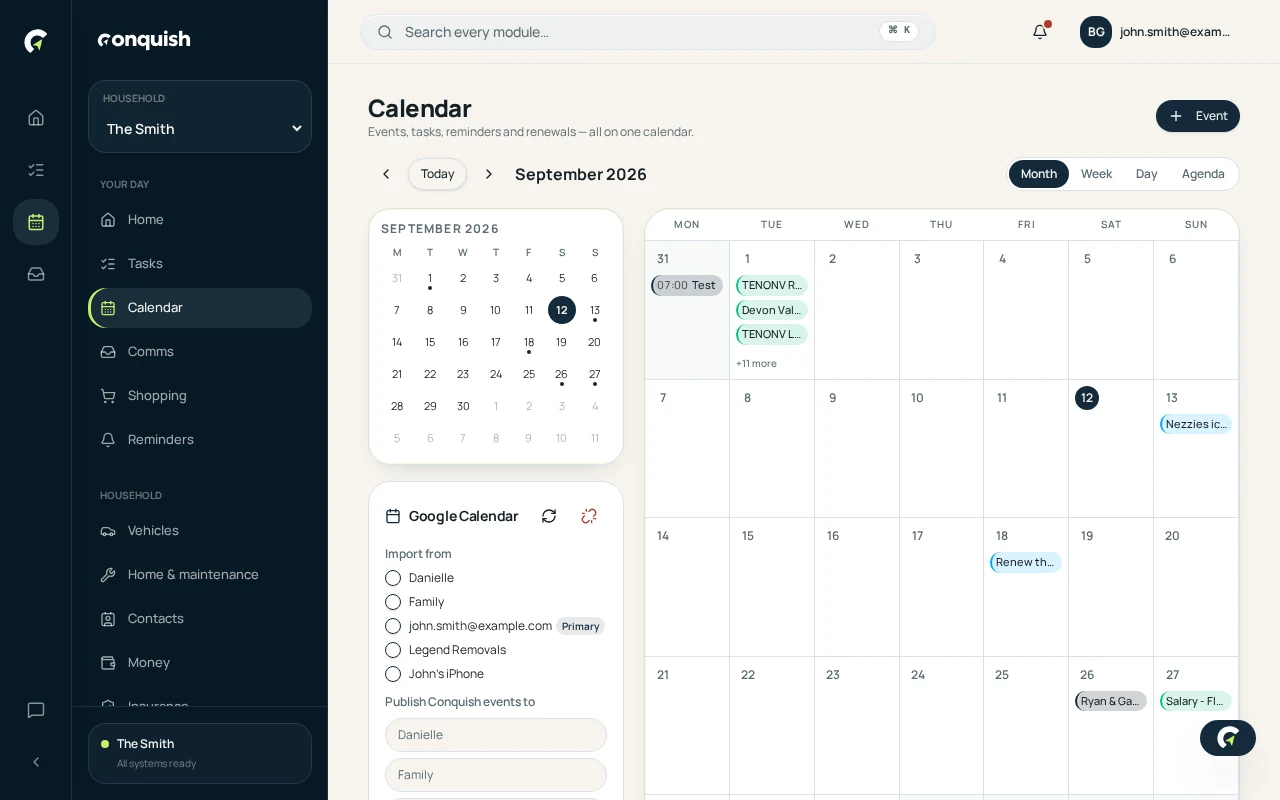
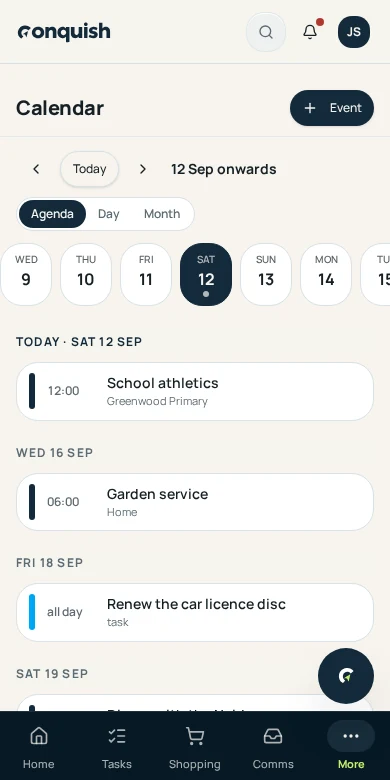
Each member connects their own calendar. Events flow both ways, so the household diary and your working week stop contradicting each other.
Without it
What usually goes wrong
Two calendars, one life
Work says you're free. The household diary says you're fetching the kids.
Copying events by hand
Every practice, every appointment, typed twice.
Changes don't travel
You move a meeting and nobody at home finds out.
How it works
Calendar sync in 3 moves
- 01Connect your own accountEach member authorises their own calendar. Nobody sees anyone else's login.
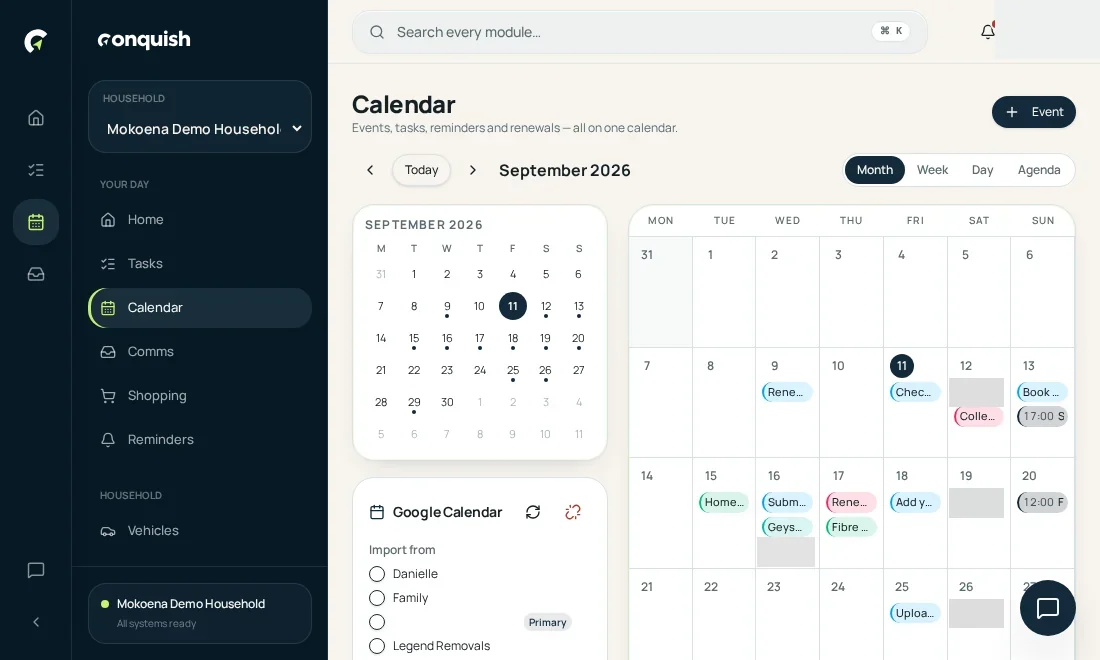
Step 01 - 02Choose which calendars come inPick the calendars worth sharing and leave the rest alone.
Step 02 - 03Edits flow both waysCreate in Conquish and it appears in Google. Move it in Google and Conquish follows.
Step 03
Everything calendar sync does
- Two-way sync with Google Calendar
- Per-member connections with encrypted credentials
- Choose which calendars to import
- Imported events shared with the household
- Recurrence, all-day events and time zones handled
- Disconnect at any time