
Premium
Car maintenance tracker app
Scan the disc, and the car looks after itself.
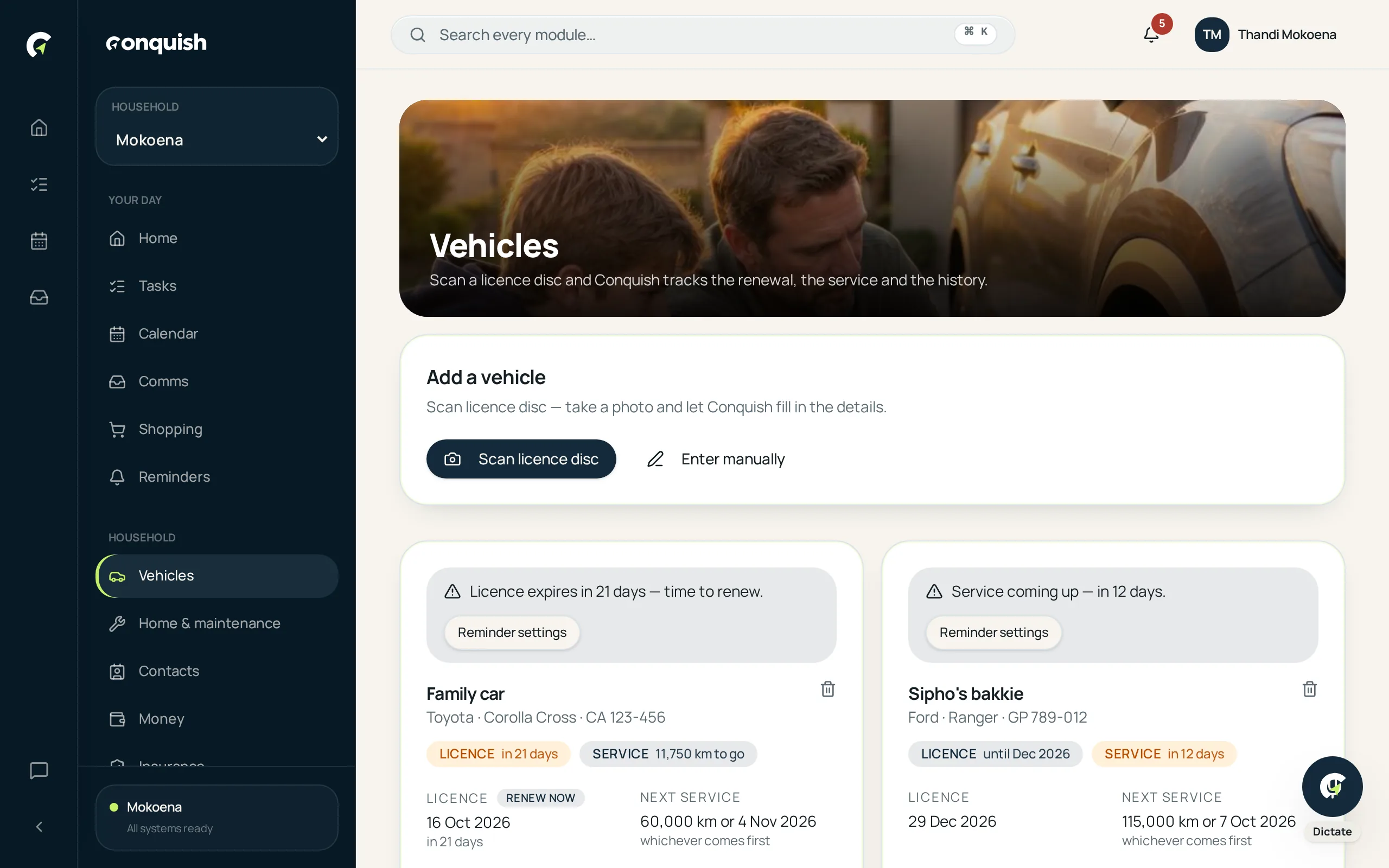
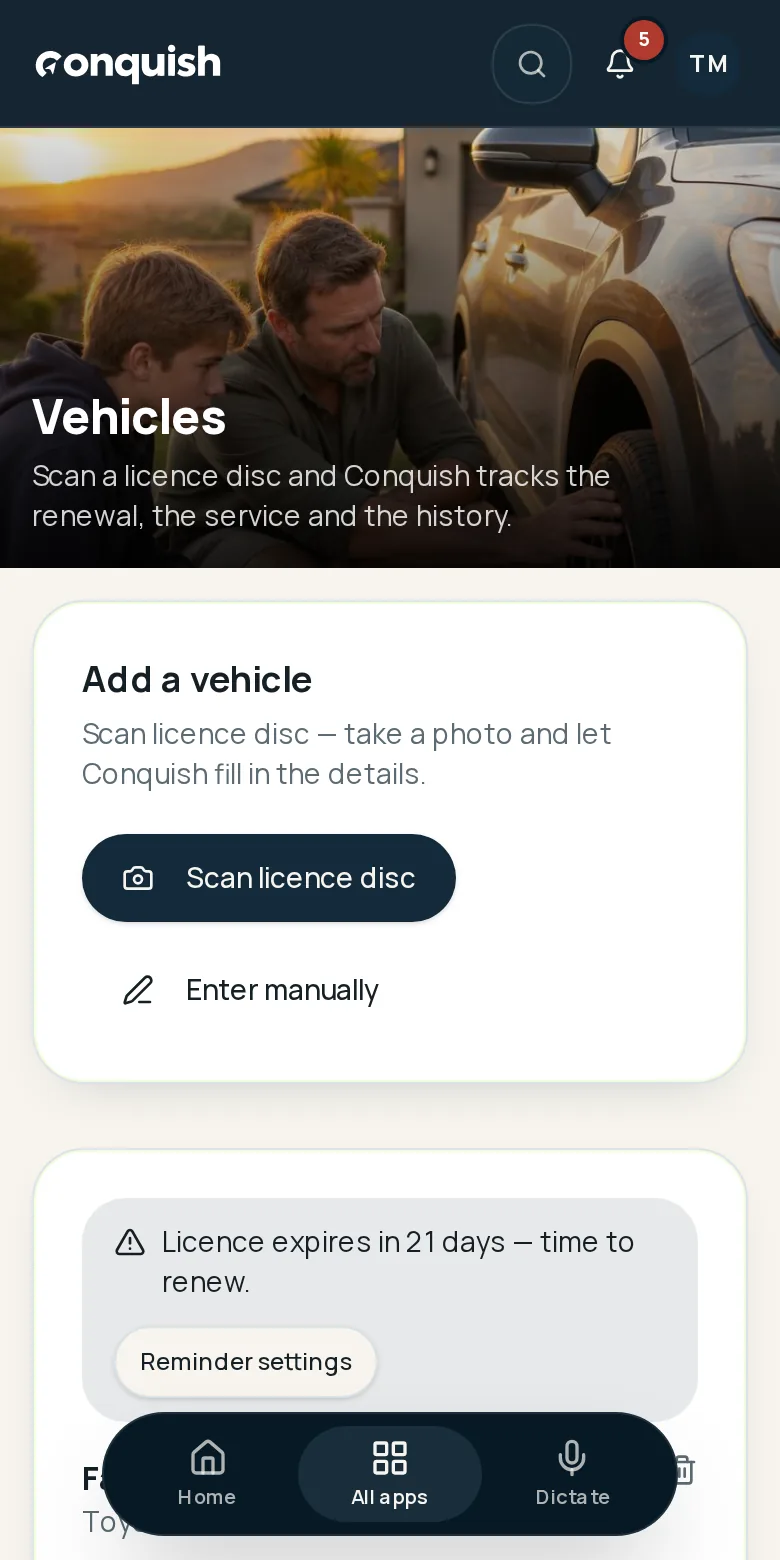
Licence renewals, services by kilometre and a full history per vehicle — starting from a photo of the disc on your windscreen.
Without it
What usually goes wrong
Expired discs
The fine arrives before the reminder does.
Service intervals in kilometres
Cars are serviced by distance, but calendars only understand dates.
No history when you sell
The service book is somewhere, the invoices are gone, and the buyer wants proof.
How it works
Vehicles & licences in 3 moves
- 01Photograph the licence discRegistration, make, model, VIN and expiry are read off the disc and offered for confirmation.
- 02Renewals take care of themselvesA reminder is created straight away, and an expired disc shouts loudly on your dashboard.
- 03Log the kilometresUpdate the odometer and Conquish counts down to the next service in both distance and time.
Everything vehicles & licences does
- Licence disc scanning with confirmation
- Automatic renewal reminders and expired-disc warnings
- Service intervals by kilometres as well as dates
- Full history: date, odometer, cost, provider, notes and invoice
- Multiple vehicles per household
- Linked documents and contacts