
Premium
Home maintenance app
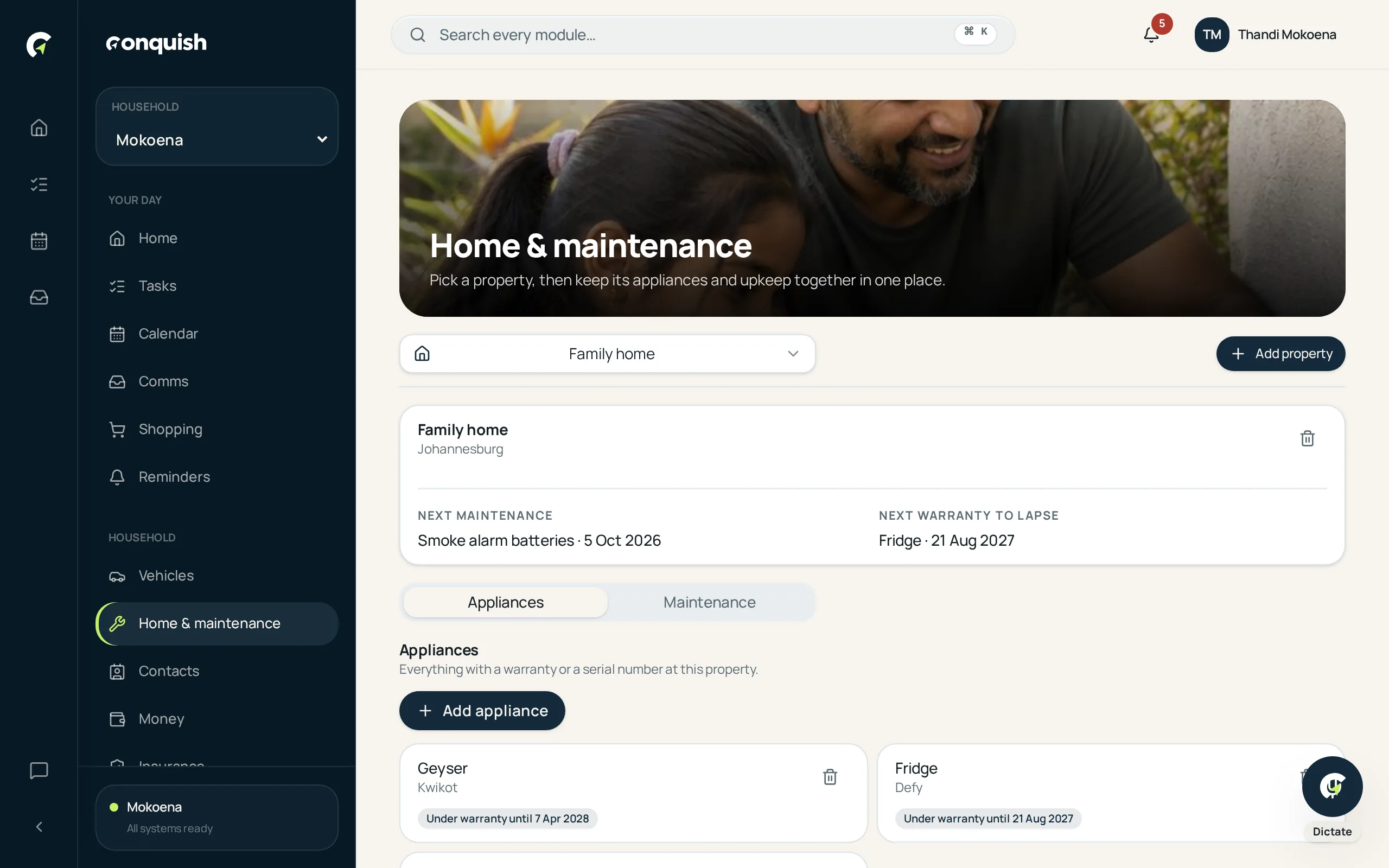
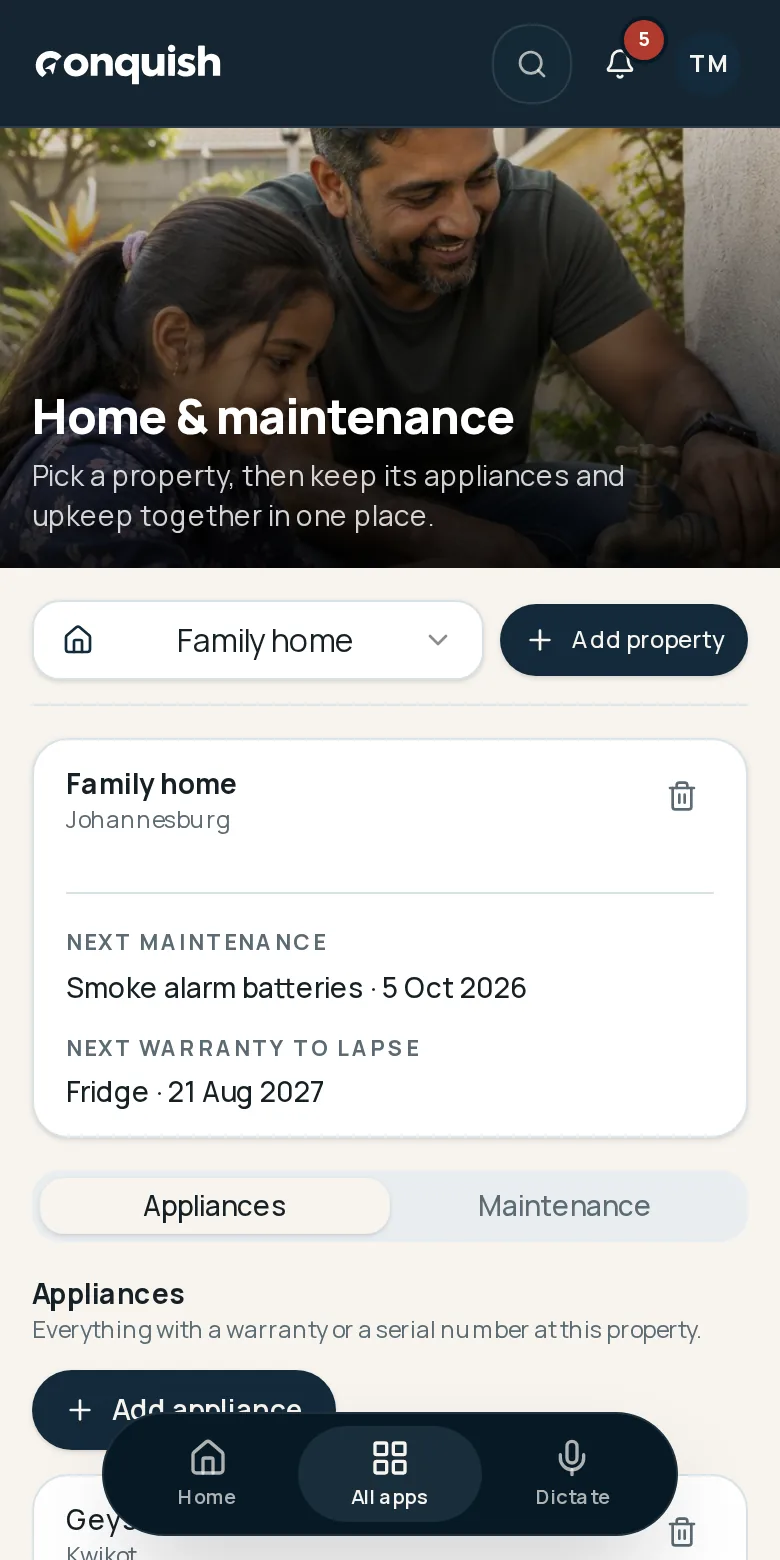
Each property with its own kit and history.
Appliances, warranties, service intervals and who fixed what — kept per property, so the home has a memory.
Without it
What usually goes wrong
Warranties expire unnoticed
The receipt is gone and the two-year cover ended last month.
No record of the work
The geyser was serviced… sometime. By someone.
More than one property
A house, a flat and a holiday place all blur into one pile of admin.
How it works
Home & maintenance in 3 moves
- 01Add the propertyThen list the appliances that matter — geyser, pool pump, gate motor, dishwasher.
- 02Capture warranty and intervalPurchase date, warranty end and how often it should be serviced.
- 03Log every jobDate, cost, contractor, notes and the invoice, kept against the item forever.
Everything home & maintenance does
- Multiple properties, each with its own appliances
- Warranty tracking with reminders
- Service intervals and maintenance history
- Linked contractor from Contacts
- Attached invoices and manuals
- Compact appliance and maintenance tabs