
Premium
Insurance policy tracker
Know what you're covered for before you need it.
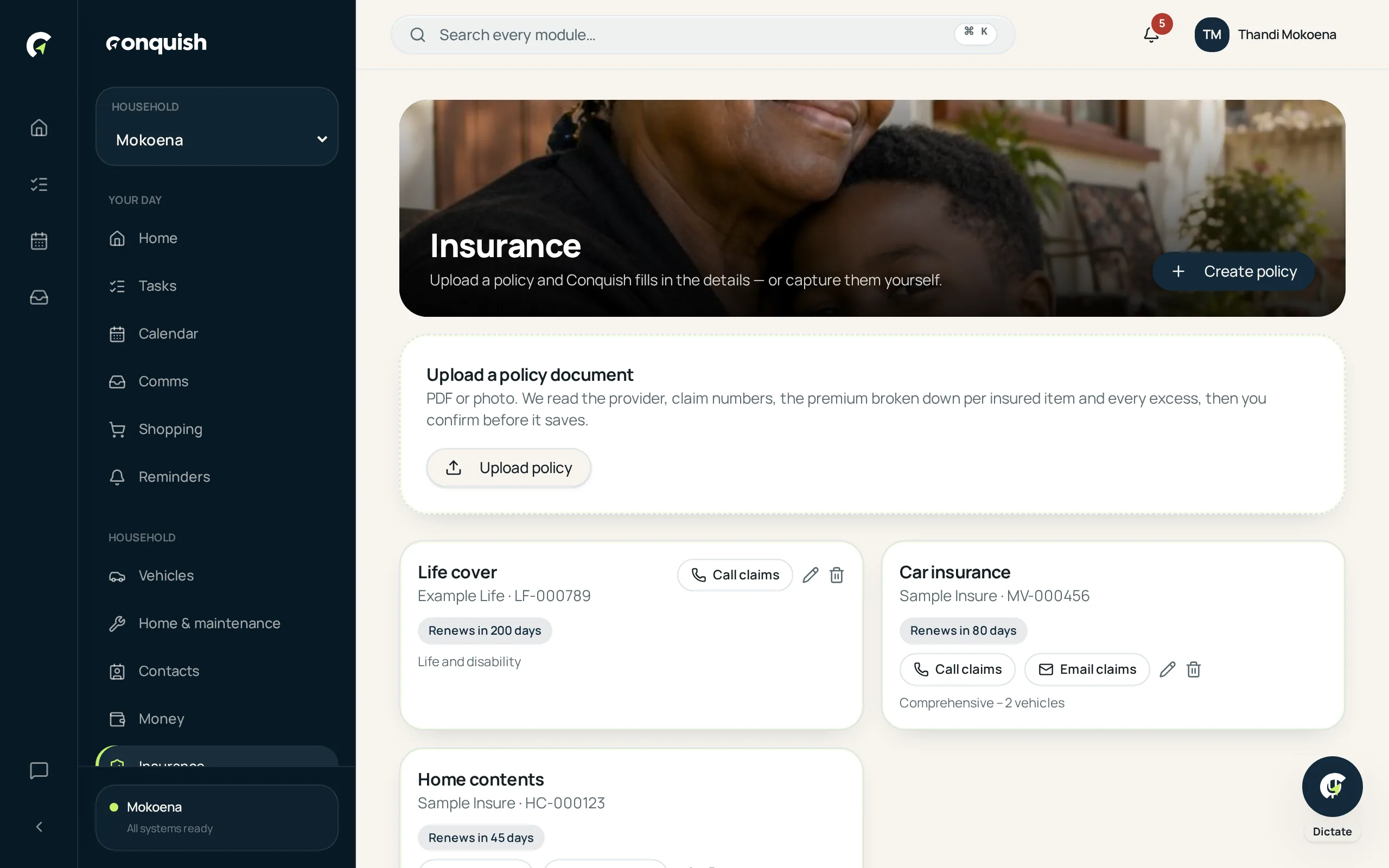
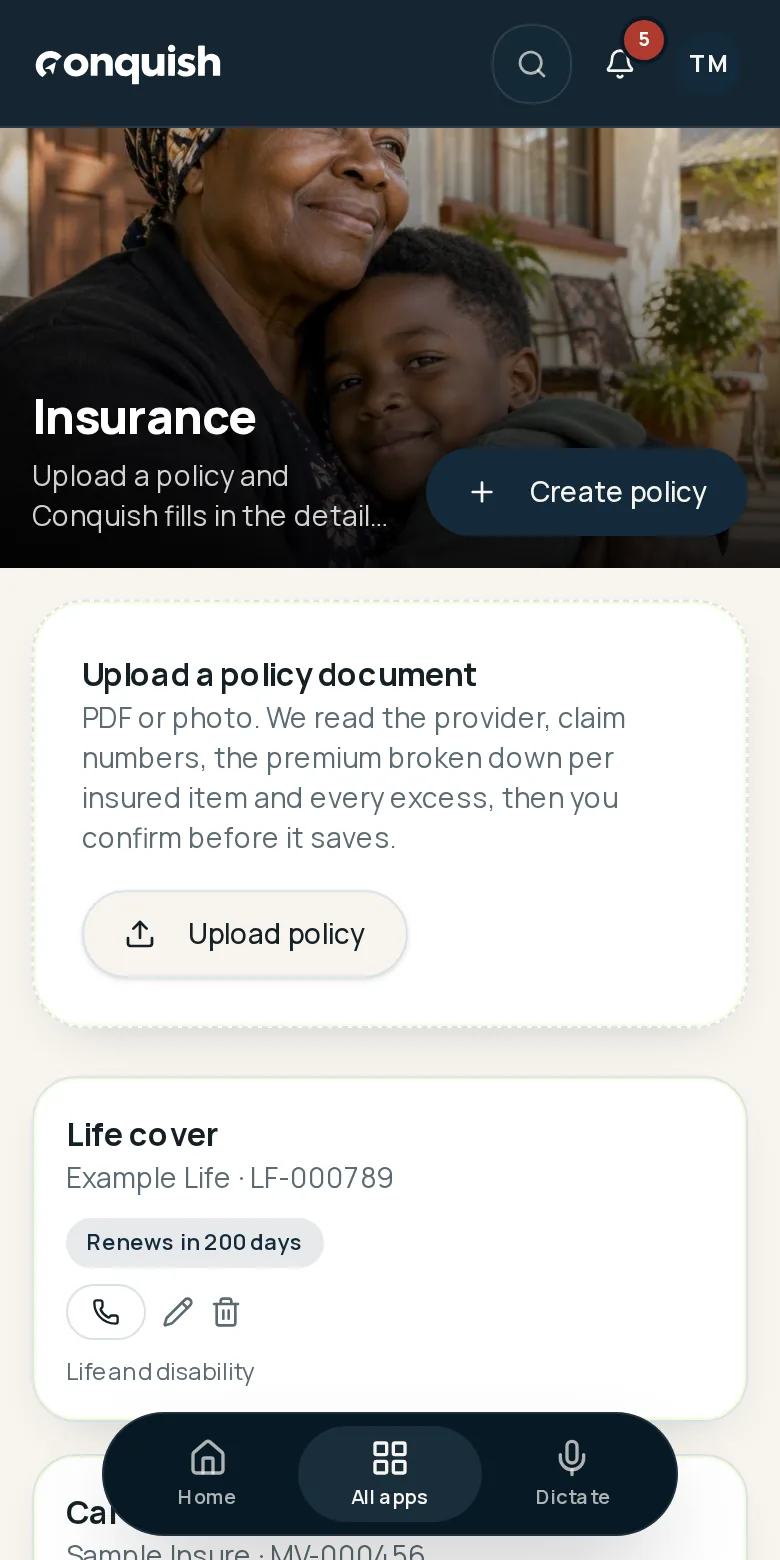
Upload the schedule once and keep the detail that matters: premiums per section, excesses, conditions and exactly where to claim.
Without it
What usually goes wrong
You only read it after the accident
The excess is a surprise at the worst possible moment.
One number, no breakdown
You know the total premium. You don't know what each section costs.
The claim number is in the schedule
Which is in an email, on a laptop, at home.
How it works
Insurance in 3 moves
- 01Upload the scheduleConquish reads the sections, premiums and excesses and asks you to confirm.
- 02Keep the claim details closePhone, email, emergency line and portal, saved against the policy.
- 03Renewals become remindersYou get to review cover before it rolls over, not after.
Everything insurance does
- Premium broken down per section
- Excesses and conditions per cover item
- Where to claim: phone, email, emergency line, portal
- Renewal reminders
- Import premiums as debit orders in Money
- Linked to vehicles, home and documents