
Premium
Family budget app
The household picture, without handing over your bank login.
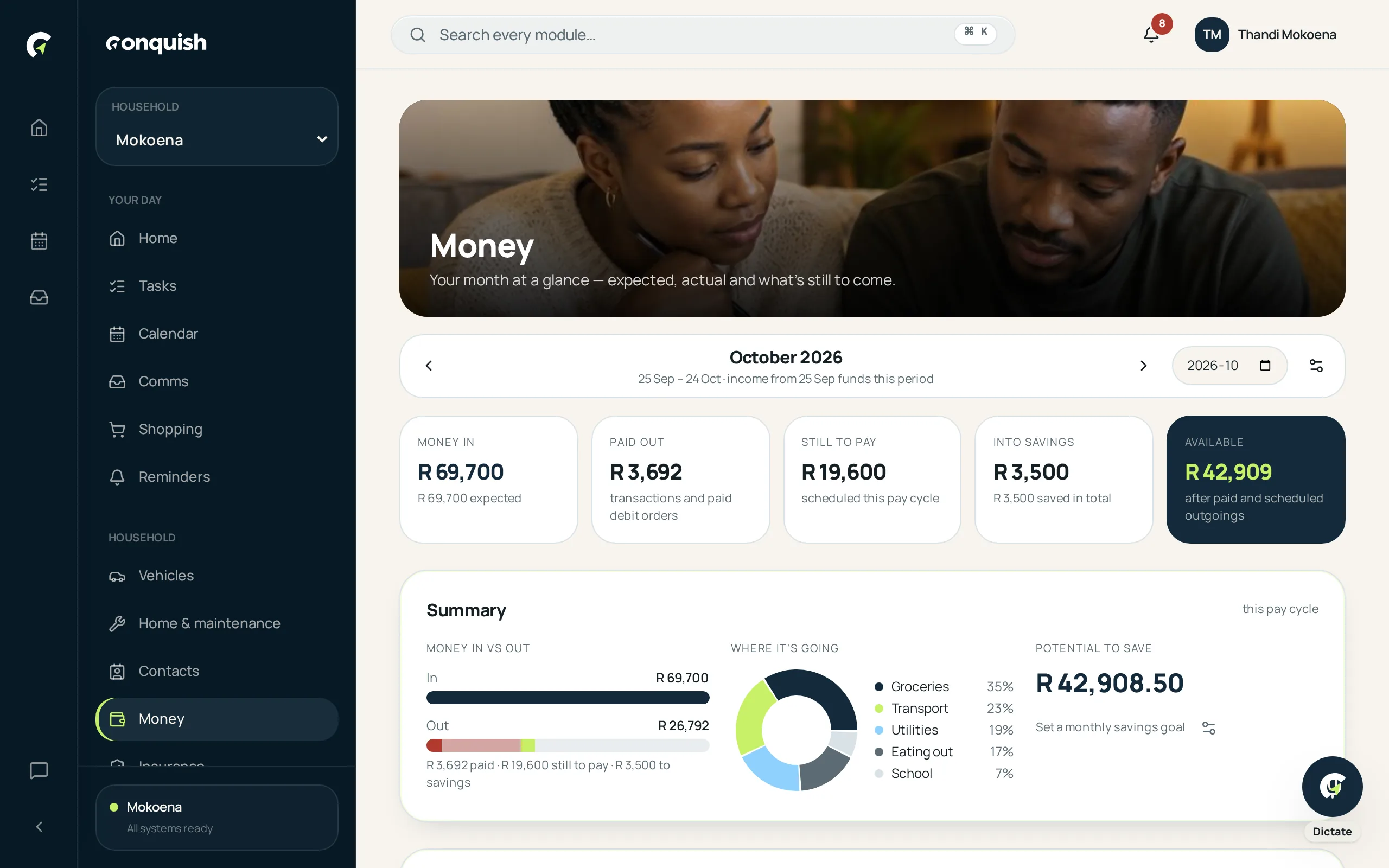
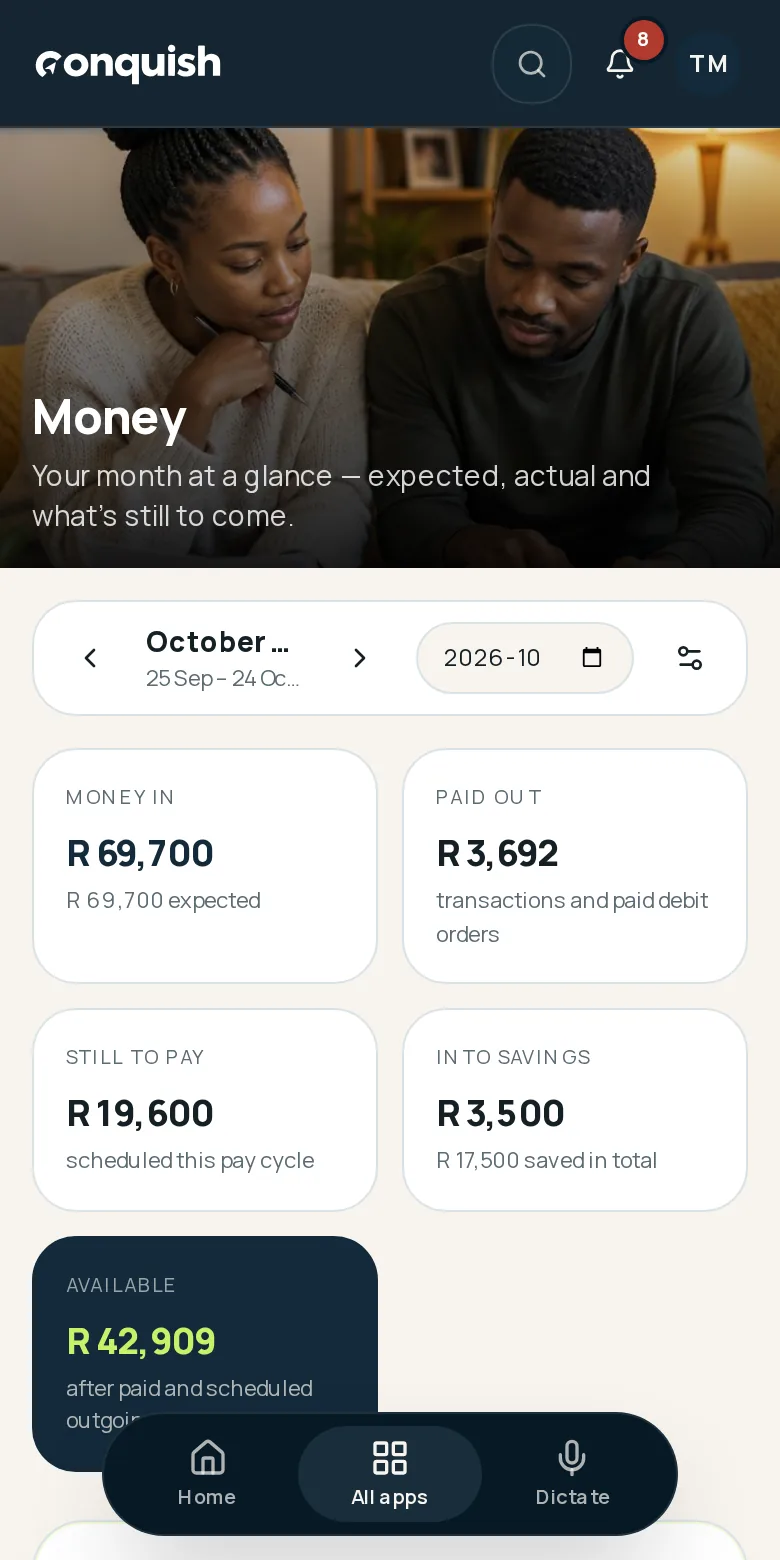
What the home actually costs each month — debit orders, budgets, savings pots and a pay-cycle view that matches how you get paid.
Without it
What usually goes wrong
The month disappears
The salary lands, the debit orders hit, and by the 10th nobody is sure where it went.
Budget apps want your bank
Most tools ask you to connect an account before they'll tell you anything.
Two people, one household cost
Shared expenses live on separate statements and never get added up.
How it works
Money in 3 moves
- 01Set the shape of your monthIncome, recurring debit orders and budget categories, arranged around your actual pay cycle.
- 02Import a statementUpload a bank statement and Conquish reads the lines, suggests categories and flags duplicates before anything is saved.
- 03Watch the balance carry overWhat's left rolls into the next cycle, and savings pots keep the goals visible.
Everything money does
- Budget categories and recurring debit orders
- Pay-cycle months with carry-over balance
- Bank statement import with duplicate rules
- Savings pots
- Category analytics
- Visible only to household members you grant access