
Premium
Receipt scanner
Turn a receipt or invoice photo into a payment record.
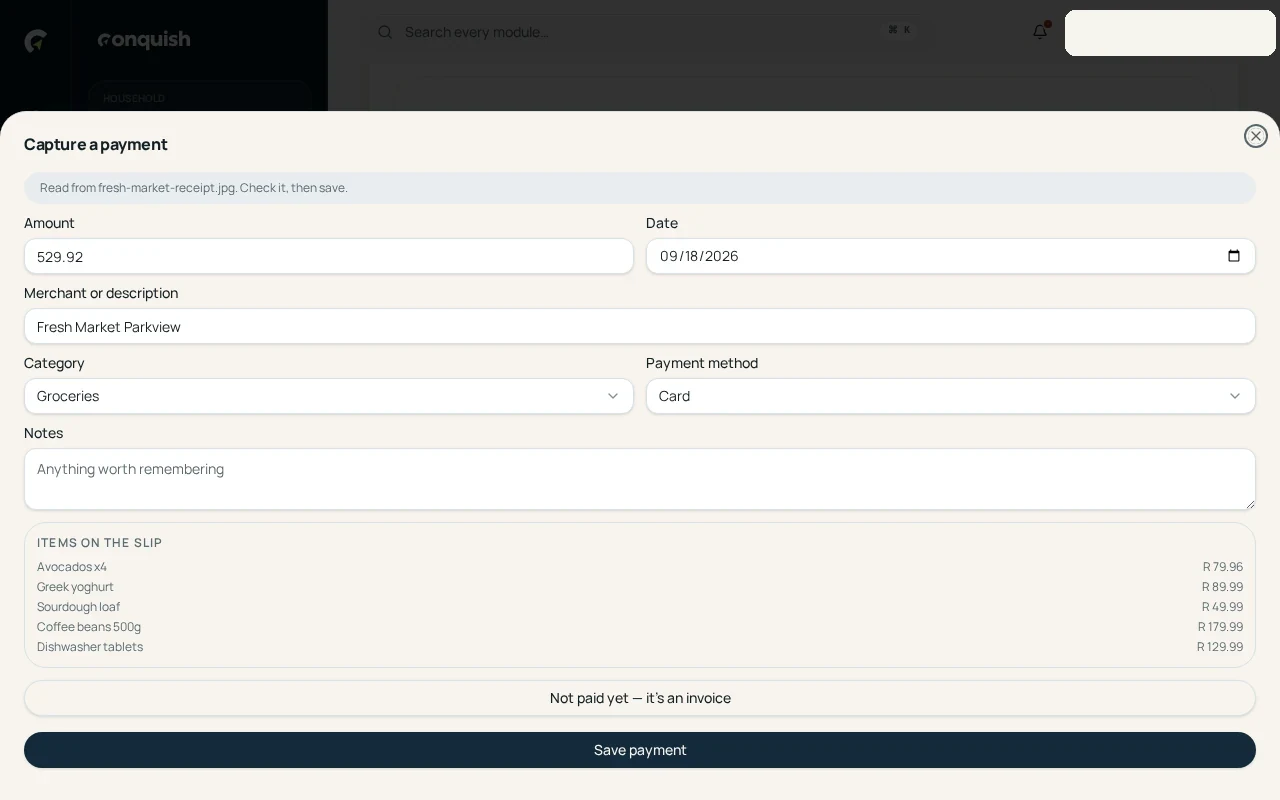
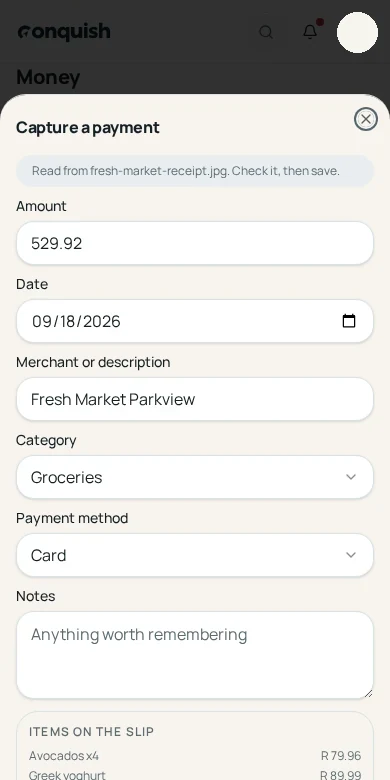
Take one photo and Conquish pulls out the merchant, amount, date and category for you to check before it reaches Money.
Without it
What usually goes wrong
Receipts disappear
The proof of payment fades in a wallet or vanishes before the household budget catches up.
Capturing every field is tedious
Merchant, date, amount and category should not become another form to complete after every purchase.
Invoices arrive in different places
Some are photographed, some are uploaded, and others arrive as attachments in the household inbox.
How it works
Receipt scanner in 3 moves
- 01Take a photo or choose a fileCapture a paper receipt, upload an invoice, or select the right attachment from Communications.
- 02Let Conquish read itThe merchant, total, payment date and likely category come back as editable suggestions.
- 03Check and file the paymentConfirm the details once and keep the source image with the transaction for later.
Everything receipt scanner does
- Camera capture on mobile
- Receipt and invoice file upload
- Merchant, date and amount extraction
- Editable suggestions before anything is saved
- Choose one attachment from a multi-attachment message
- Source image retained with the payment record