
Free
Contacts
The numbers you hunt for when something breaks.
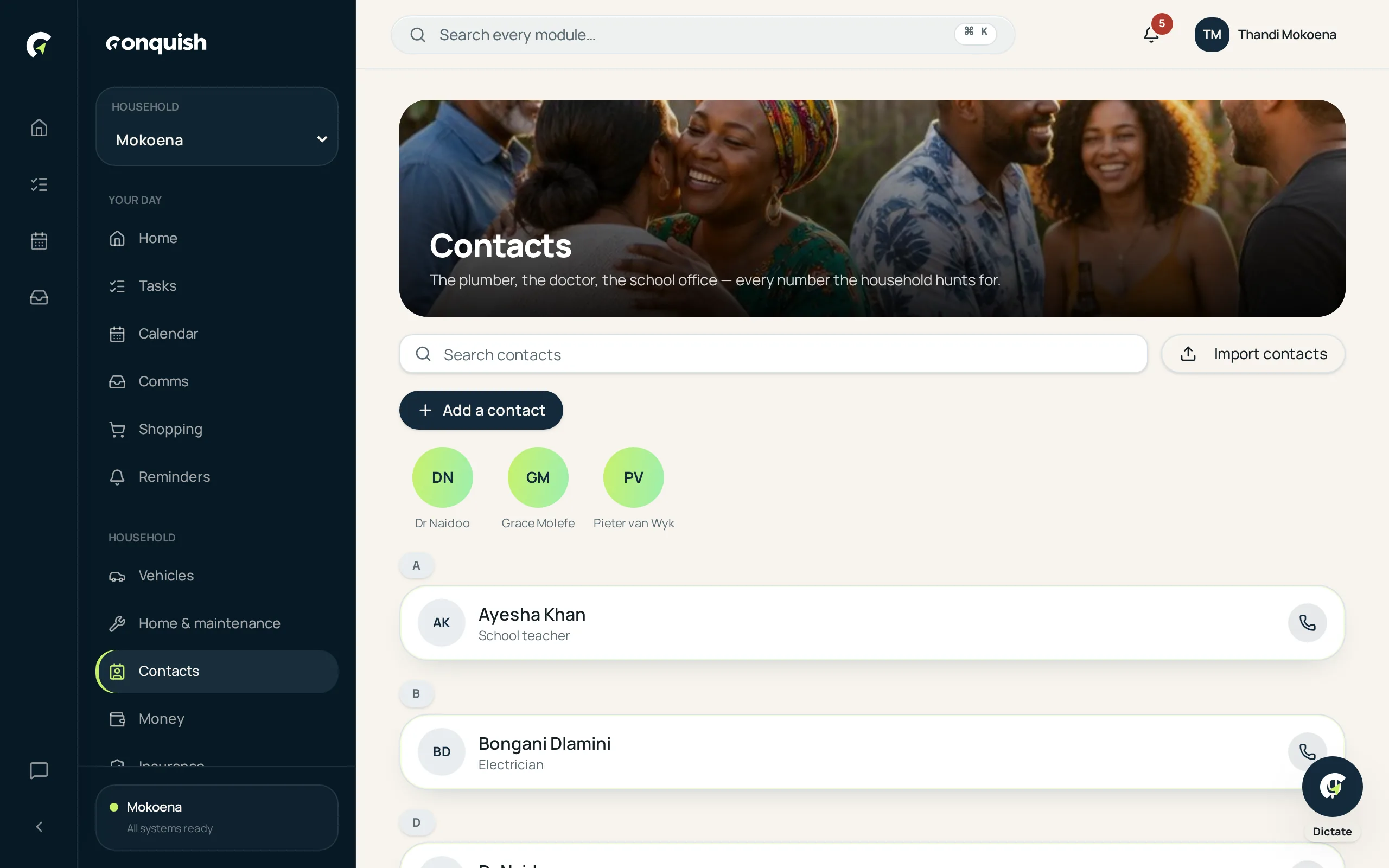
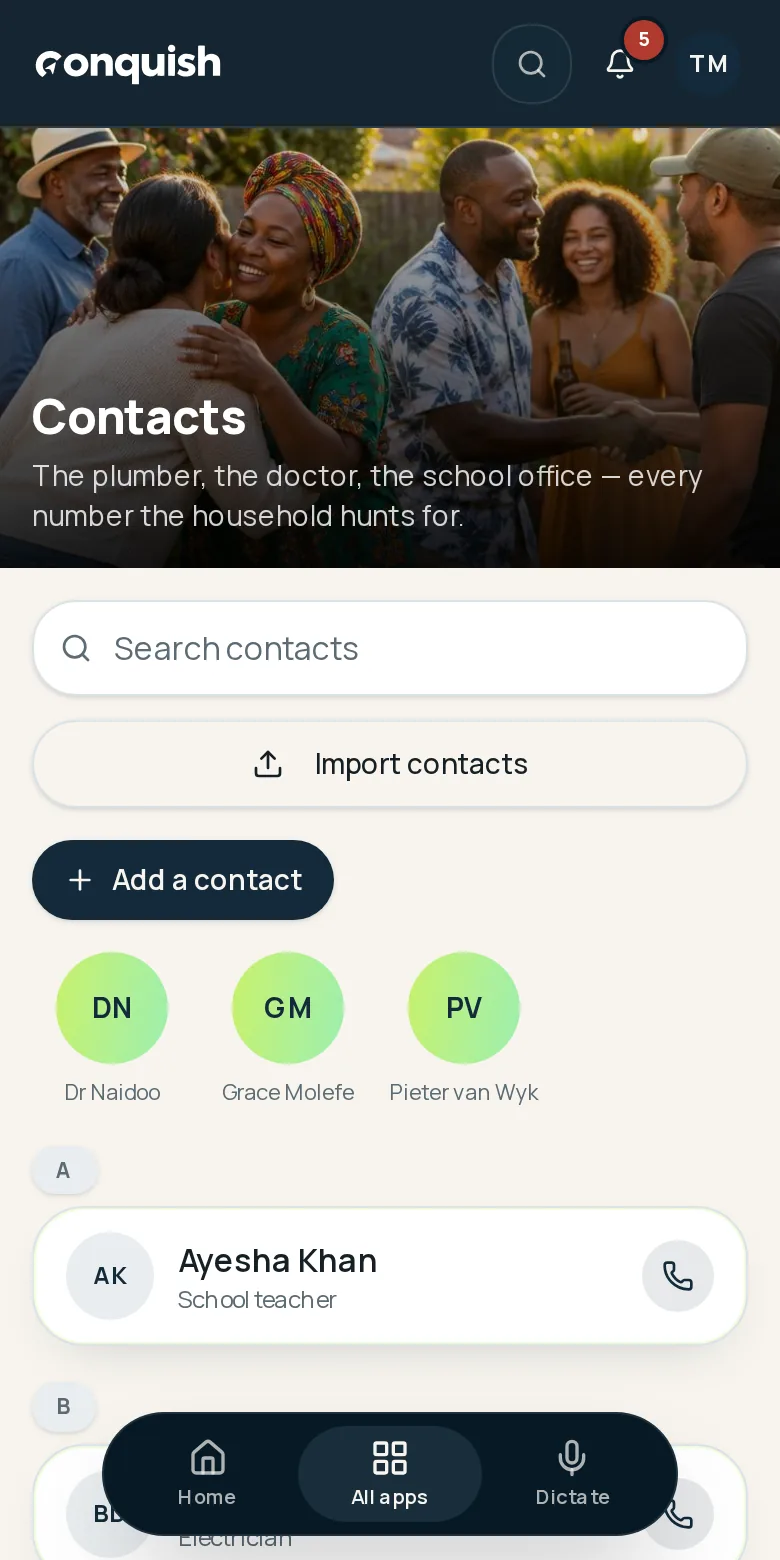
The plumber, the electrician, the school office and the broker — shared with the household so nobody has to ask.
Without it
What usually goes wrong
The number is on one phone
And that phone is at work, flat, or in a handbag somewhere.
"Who did we use last time?"
The good electrician is a mystery until someone scrolls back through a year of messages.
Retyping everything
Nobody wants to type forty numbers into a new app.
How it works
Contacts in 3 moves
- 01Import from your phoneOn supported phones, pick contacts straight from your address book. On iPhone, export a vCard and drop it in.
- 02Check the previewSee exactly what's coming in, filter it, and Conquish flags anyone you already have.
- 03Share with the householdEveryone gets the same numbers, tagged by what they're for.
Everything contacts does
- Import from a phone's address book where the browser supports it
- vCard and CSV import from phone or computer
- Duplicate detection before saving
- Shared across the household
- Tap to call or email
- Linked to maintenance history and jobs