
Premium
Communications inbox
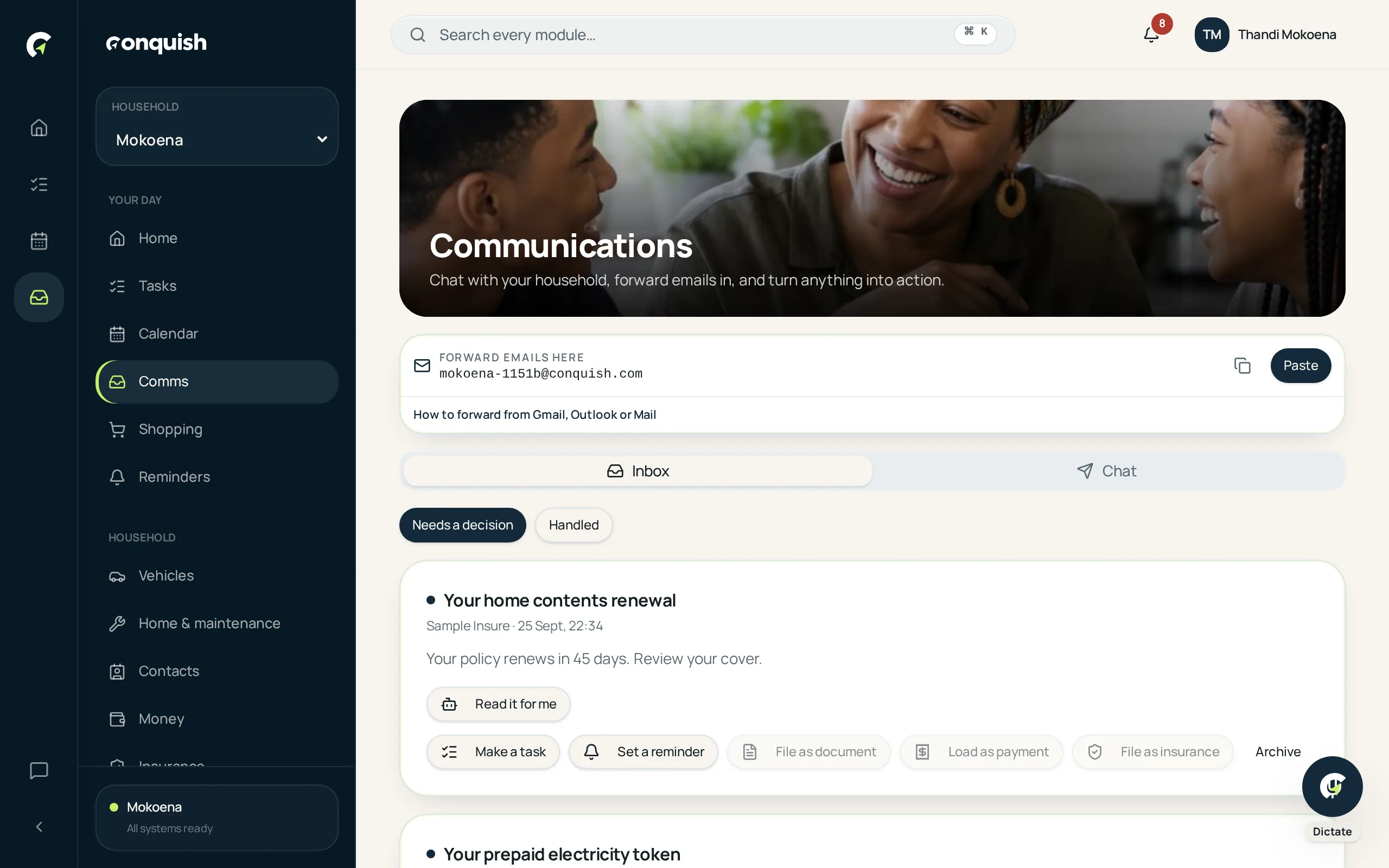
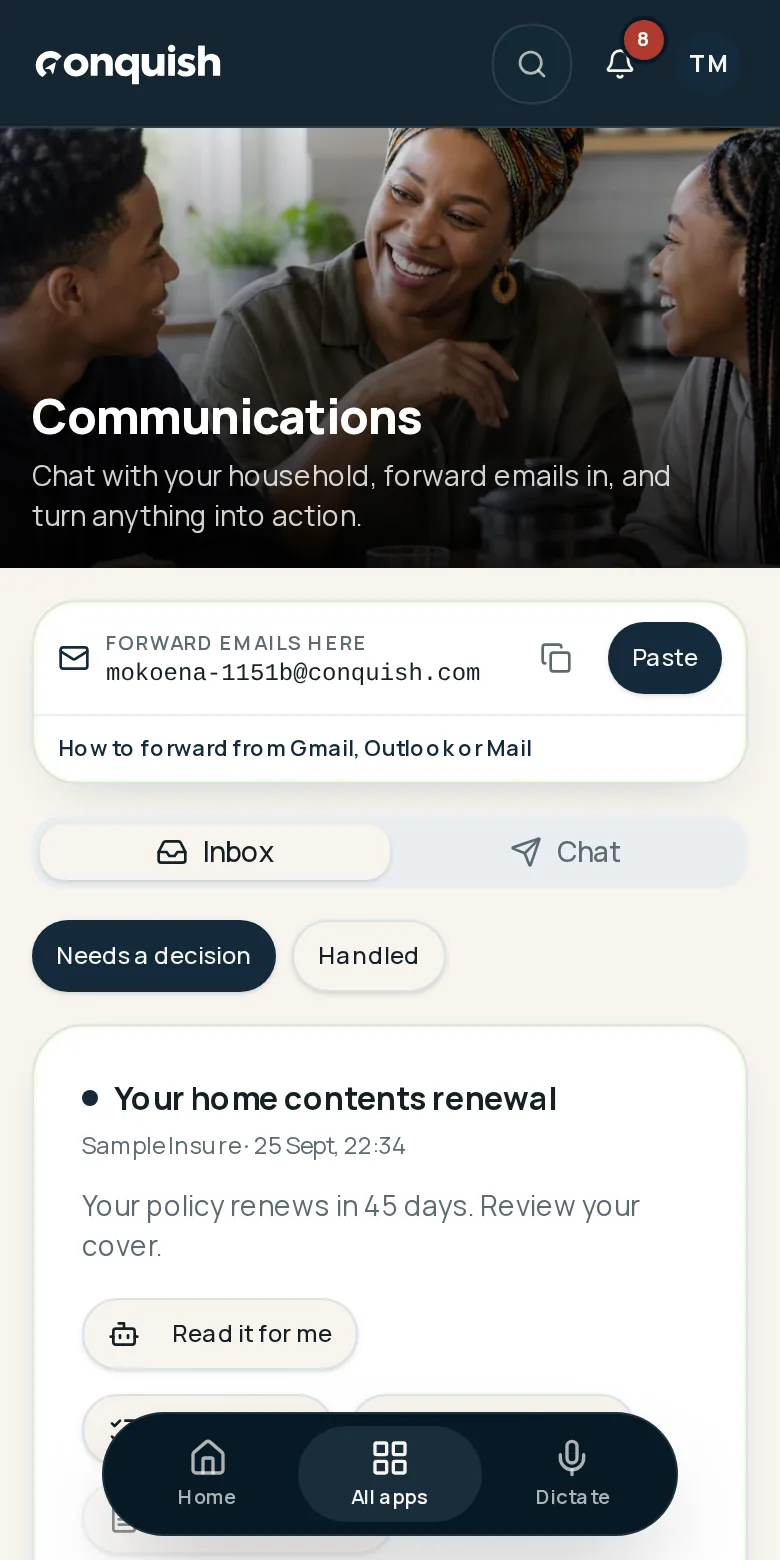
Your household gets its own email address.
Forward the municipal bill, the school notice or the quote to your household address, then turn it into a task, a reminder or a filed document.
Without it
What usually goes wrong
Admin hides in personal inboxes
The bill went to one person's work email and nobody else can see it.
Forwarding goes nowhere
You forward it to your partner and it sits there, unread, forever.
Attachments get lost
The invoice you need is buried three replies deep.
How it works
Communications inbox in 3 moves
- 01Use your household addressEvery household gets its own relay address. Forward anything to it.
- 02It lands in the shared inboxMessage and attachments, visible to the household, not just one person.
- 03Turn it into somethingOne tap makes it a task, a reminder, or a filed document with the attachment kept.
Everything communications inbox does
- A unique email relay address per household
- Shared inbox with attachments
- Convert a message into a task, reminder or document
- Household chat alongside the inbox
- Everything visible to the whole household