
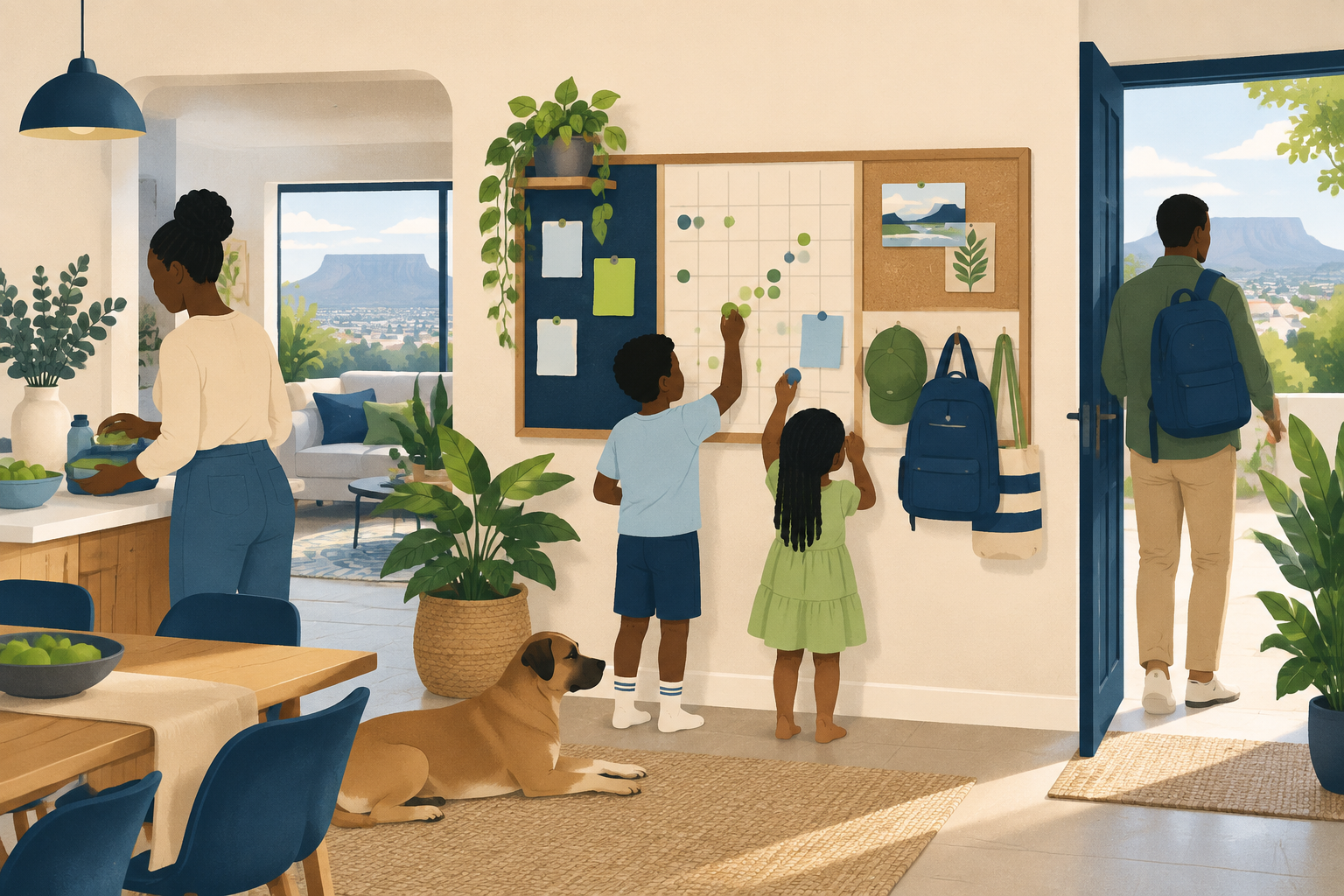
Family command centre: a practical guide for your home
4 October 2026 · 17 min read
Build a family command centre that fits your household. Decide what goes on the wall, what works digitally and how to share plans, tasks and admin.
Where does your household look when someone needs to check a plan, find a letter or remember what to buy? A family command centre gives those everyday details a clear home. It does not need a spare wall, matching folders or an elaborate display. It needs to fit the way your household lives, with somewhere to find information, plan ahead and see what needs doing next.
This guide helps you choose a physical hub, a digital setup or a mix that suits your routines. You will find practical ways to keep current plans visible, put private paperwork elsewhere and agree who is handling each task. It also explains where Conquish can bring calendars, shopping, reminders and household admin together. The aim is to share the thinking as well as the doing, without creating another system that someone has to manage alone.
Key takeaways
- Choose a wall display, folder, digital setup or mix around your household’s routines, access needs and information, rather than copying a particular look.
- Give plans, tasks, shopping and paperwork clear homes, so everyone knows where to find details, add something new and check what needs attention.
- Keep current prompts visible and private details out of sight, using Conquish for calendars, tasks, shopping lists, reminders, contacts and household documents.
- Share responsibility for noticing, planning and finishing household jobs, with clear ownership, realistic expectations and room to ask for help when circumstances change.
- Review upcoming plans together, remove outdated paperwork and keep wall and digital details aligned, simplifying anything that creates work without serving a clear purpose.
In this guide
- Start with what your household needs, not how it looks
- Make a useful physical hub, even without a spare wall
- Bring digital plans and household admin together
- Share responsibility, not just a place to write things down
- Set it up and keep it useful
Start with what your household needs, not how it looks
What a family command centre should help everyone find, plan and do
Before choosing a board, a screen or a set of matching folders, ask what your household needs help keeping track of. What gets forgotten? What is hard to find? Which plans need to be shared rather than kept in someone’s head?
Start with the moments you would like to feel less muddled. Perhaps that means checking what is happening after school, finding a letter before an appointment or knowing whether anything needs picking up for dinner. Let those needs shape your family command center, rather than trying to recreate a look.
Think about what everyone needs to find, plan and do:
- Find: Decide where to keep contact details, household documents, school notices and other information you need to refer to.
- Plan: Choose a place for appointments, activities, meals and upcoming household jobs.
- Do: Make room for shopping, tasks and reminders, with a clear idea of who is handling what.
Keep the contents relevant to your own household. If meal planning is not a priority, leave it out. If caring responsibilities shape your week, give those arrangements the space they need. There is no need to include a category just because it looks tidy on a template.
Ask everyone who will use the setup what they need from it. Can they read it comfortably? Can they reach it or access it? Do they know where to add something? Consider children’s involvement without expecting them to manage the whole routine.
Be clear about responsibility, too. For each shared task, agree who will take it on and what finishing it involves. Aim for a setup that helps people act, not just somewhere to collect more things to remember.
Choose a wall display, a digital system or a mix that fits your routines
Choose the format around when and where you expect to check it. Would you look at a board before leaving home? Would you want to check an appointment while out? Would different members of your household prefer different ways to see the same plan?
For a wall display, think about placement before decoration. Pick somewhere you would naturally pause, with enough room to read and update it. Decide what belongs on display and what should stay private. Keep personal documents and sensitive details out of shared view.
For a digital system, consider what you want to access away from home and who needs permission to view or change it. Try the everyday actions that matter to you: adding a task, checking a date or finding a document. Choose something your household feels comfortable maintaining.
If you prefer a mix, give each part a clear purpose. You might use a wall display for the day’s plans and keep fuller details digitally. Decide where the main record lives, so everyone knows which version to check when plans change.
Start with the essentials and agree when you will review them together. Remove anything you are not using. Add something only when there is a clear need for it. Let appearance follow function: readable labels, accessible information and enough space to make changes. The aim is to stay ahead of everyday life, not create another household job.
Further reading: National Public Holidays (gov.za).
Make a useful physical hub, even without a spare wall
Choose an accessible spot: a cupboard door, folder or shelf
Start with the space your household already uses, rather than trying to find a spare wall. Think about where you pause before heading out, unpack bags or check what is happening later. Choose somewhere you can reach without moving a pile of belongings.
Your family command center does not need to be a display. Try the inside of a cupboard door, a folder kept beside the kettle or a clear section of a hallway shelf. Aim for a spot that feels natural to check, not somewhere you have to remember to visit.
Before adding anything, decide what you want the hub to help with. Perhaps you need somewhere to check upcoming plans, leave a shopping note or put papers that need attention. Let those everyday jobs guide the setup.
Match the format to the space:
- Cupboard door: Pin or clip up current plans and brief reminders. Choose a door the household can open comfortably.
- Folder: Use labelled sections for plans, papers to act on and notes to keep handy. Leave it somewhere accessible, rather than tucked beneath other things.
- Shelf: Set aside a tray for incoming paper and a standing folder for current information. Keep unrelated storage elsewhere.
Use what you have while you work out what suits your routine. A spare folder, a clipboard or a shallow tray is worth trying before buying organisers.
Ask everyone who will use the hub to try it. Can they reach it? Is it clear where a new note belongs? Would they know where to look for tomorrow’s plans? Adjust the arrangement around their answers.
Keep current plans and paper prompts visible, but private details out of sight
Give the visible space a clear purpose: what needs noticing or doing next. Put up the current calendar, a shopping prompt or a paper reminder that needs action. Avoid treating every available surface as somewhere to store another sheet.
Keep reminders brief. “Return the permission form” may be enough for the display; keep the form itself in a folder if it contains personal details. For an appointment, consider showing a simple prompt and storing the full letter out of sight.
Before displaying anything, think about who might see it. Leave account details, passwords, medical information and private correspondence off the shared display. Choose a separate storage spot that suits the sensitivity of the paperwork, while keeping it accessible to the household members who need it.
Make the next action clear, too. Add a name where responsibility might be unclear. Place papers awaiting a signature somewhere distinct from papers ready to leave the house.
Build a quick tidy-up into a routine you already have, such as checking the week ahead. Remove finished reminders, file anything you need to retain and take down outdated plans.
If the space starts to feel crowded, simplify it. Keep the hub focused on the next useful action, rather than asking it to hold every detail of household life.
Further reading: South African Government Services.
Bring digital plans and household admin together
Use Conquish for calendars, tasks, shopping and reminders, with calendar sync on Premium
A kitchen noticeboard can help everyone see what is coming up. But it does not need to hold every detail of household life. Use your family command center as the visible starting point, with Conquish bringing the plans and everyday admin together behind it.
Keep the display focused on what matters at a glance. That might be upcoming appointments, school events and jobs that need attention. Put the fuller details in Conquish, where calendars, tasks, shopping lists and reminders sit alongside the rest of your household admin.
Give each item a clear home. An appointment belongs in the calendar. A job that needs doing belongs in tasks. Something you need to buy goes on the shopping list. A reminder can prompt you when it is time to act. This helps stop the noticeboard becoming a crowded mix of dates, scraps of paper and half-finished lists.
For example, preparing for a school trip may involve more than remembering the departure date. There may be a form to sign, a bag to pack and supplies to buy. Keep the date visible, then use tasks and shopping lists for the preparation.
On Premium, Conquish syncs two-way with Google Calendar and Outlook Calendar. This brings calendar sync into your household routine without making the wall display responsible for every change.
Choose a regular moment to review the display against your digital plans. Remove old notices, check what is approaching and make the next actions clear. The aim is not to copy everything into every place. It is to give the display a simple role and keep the working detail together.
Keep documents and contacts away from the display, with document backup available on Premium
Some household information is useful to have close at hand but does not belong on an open noticeboard. Insurance paperwork, vehicle documents and personal contact details can quickly turn a shared display into a place for information you would rather not leave in view.
Use Conquish for documents and contacts, while keeping the display limited to prompts. A note saying “check the renewal” may be enough. There is no need to pin up the full document or write out personal details beside it.
Make this part of how paperwork enters the house. When something needs action, decide what the action is. Add the task or reminder, then keep the document with your household admin rather than leaving it beneath a magnet. Clear names can make documents easier to recognise later.
On Premium, Conquish can back up household documents to Google Drive. Keep that distinction clear: the display shows what needs attention, while your digital setup holds the supporting information.
This approach gives paper and digital planning different jobs. The display keeps everyday priorities visible. Conquish brings the plans, contacts and paperwork together, helping your household stay ahead of life without putting all its admin on the wall.
Further reading: Department of Home Affairs.
Share responsibility, not just a place to write things down
Agree who owns each task, including noticing, planning and following through
Use your family command center to agree who carries a responsibility, not just where to record it. Start with a conversation about what needs doing, what “done” means and who has the capacity to take it on.
Make ownership clear without making it rigid. For each task, agree who will notice when it needs attention, work out what is needed and follow it through. Avoid leaving someone with the job of reminding everyone else.
Take a school form as an example. Rather than writing “sort school form”, agree who will find it, check what is required, gather any details, submit it and note anything that comes next. Keep the wording brief, but make the responsibility clear enough that nobody has to guess.
Ask practical questions together:
- Who is taking this on?
- What does finishing it involve?
- Is there a deadline or something else to wait for?
- What help or information is needed?
- How will we flag a delay or ask for a hand?
Share the thinking as well as the doing. If someone agrees to organise a repair, discuss whether that includes finding a suitable tradesperson, arranging access and keeping the household informed. Do not quietly leave the planning with someone else.
Leave room to renegotiate. Treat “I cannot manage this right now” as a prompt to adjust the plan, not an invitation to assign blame. Agree a handover rather than assuming someone will pick up an unfinished task.
Make checking and updating the system a shared habit that respects capacity and access
Choose a check-in habit that fits your household. You might review what is coming up over breakfast, after dinner or alongside another routine. Keep the conversation focused: what needs attention, what has changed and where is help needed?
Agree what deserves an update. Mark completed tasks, flag anything blocked and record a changed arrangement where everyone involved can find it. Aim for enough detail to support the next action, rather than a running commentary on every small step.
Do not make constant checking the expectation. Talk about when each person can realistically look at the system, and agree how to raise something urgent without relying on them to spot an update.
Consider access before assigning responsibility. Ask whether everyone can read, reach and comfortably use the shared setup. Offer a way to contribute that suits their needs, whether that means talking through updates together or keeping instructions simpler.
Match responsibilities to capacity, age and circumstances. Avoid treating an identical share of tasks as the only acceptable arrangement. Discuss the effort involved, including the planning, and revisit the balance when work, health or caring commitments change.
Keep check-ins kind and direct. Ask “What would help move this along?” rather than “Why haven’t you done it?” Use the shared space to agree the next step, not to keep score. Make room for a household plan that changes with the people living it.
Set it up and keep it useful
Gather scattered notes and agree where each type of information belongs
Start with what your household already has. Bring together the notes on the fridge, letters by the door, appointments in messages and jobs someone has been meaning to write down. Resist the urge to make everything look tidy straight away. First, decide what deserves a place in your family command center.
Sort the pile by what needs to happen next. Does something need doing, buying, booking, keeping or discussing? Turn an actionable note into a task or reminder. Put an appointment in the calendar. Set aside paperwork you need to keep, rather than leaving it mixed in with this week’s plans.
Agree where each kind of information belongs. You might choose a wall calendar for shared plans, a digital list for shopping and a dedicated folder for household documents. Choose places that fit your routines, not an elaborate system you feel obliged to maintain.
Make the boundaries clear:
- Plans: Decide where confirmed appointments go and how to flag anything still awaiting agreement.
- Tasks: Name who is taking care of each job, rather than leaving it for someone to notice.
- Shopping: Agree where to add things as they run out.
- Paperwork: Separate items needing attention from documents being kept for reference.
Give incoming papers a temporary home, too. Choose a tray or folder for items that still need sorting. Treat it as a waiting place, not the final destination.
Before you finish, walk through the arrangement together. Ask each person to find an upcoming plan, add a shopping item and check a household task. Adjust anything that feels awkward. Aim for an arrangement everyone understands, rather than a display only its creator knows how to manage.
Review plans together, remove stale paperwork and keep wall and digital details aligned
Choose a regular moment to look ahead together. Attach it to an existing household routine if that feels easier than creating another appointment. Keep the conversation focused on what is coming up, what has changed and where someone needs help.
Check practical details rather than simply reading out the calendar. Who is handling the journey? Does anything need preparing? Is a booking confirmed? Add the next action wherever you agreed tasks belong.
Clear away material that no longer needs attention. Remove outdated notices from the wall. Mark completed jobs as done. Before discarding paperwork, check whether you still need it and whether it contains personal information that needs careful disposal.
If you keep both wall and digital versions, choose which is the main record for each type of information. When a plan changes, update that record, then check any other place showing the same detail. Avoid leaving conflicting versions for someone else to interpret.
Finally, ask what the household is actually using. Simplify neglected areas. Move an awkwardly placed list. Drop categories that serve no clear purpose. Keep shaping the setup around everyday life, rather than asking everyone to work around the setup.
Conclusion
A useful family command centre helps your household find what it needs, see what is coming and understand who is doing what. Its value comes from those everyday actions, not from how much it holds or how neatly it is arranged.
Start with the information that regularly gets lost or forgotten. Choose an accessible home for it, then agree where plans, tasks, shopping and paperwork belong. If you combine a physical display with Conquish, give each a clear role. Keep brief prompts on view and fuller plans and household admin digitally. Decide which record to check when something changes.
Make responsibility part of the setup from the start. Agree who will notice, plan and follow through, while leaving room for different capacities and changing circumstances. A shared display should support that conversation, not replace it.
Keep reviewing what earns its place. Clear finished reminders, remove stale paperwork and adjust anything awkward to use. You do not need to organise everything at once. Build around the next useful action, and let the setup help your household stay ahead of life.
Start your 30 days of Conquish Premium
Frequently asked questions
What does the Conquish Free plan include?
The Conquish Free plan includes tasks, shopping, reminders, calendar and contacts for one user. These cover everyday needs such as recording appointments, keeping a shopping list and noting jobs that need attention. If you are setting up a household hub, start by deciding which information belongs in each area. Keep the arrangement clear, so a date, a task and something to buy each have a home.
How many people does the Conquish Free plan cover?
The Conquish Free plan covers one user. It includes tasks, shopping, reminders, calendar and contacts. If you are planning a shared household routine, keep that account limit in mind rather than assuming the Free plan provides access for everyone. Discuss how you will review plans together and communicate changes. Keeping information organised can support those conversations, but agreeing responsibilities still needs input from the people involved.
How long is the Conquish Premium free trial?
Conquish offers a 30 day free trial of Premium with no card required. Use the trial to explore how Conquish fits your household’s routines, rather than trying to organise everything immediately. Start with familiar jobs, such as checking appointments, adding shopping items and finding household documents. Notice what feels useful and what needs a clearer routine, then consider whether Premium suits the way you want to manage everyday admin.
Do we need a card to try Conquish Premium?
No card is required for the 30 day free trial of Conquish Premium. You can use that time to explore whether it fits your household’s needs. Before starting, choose some everyday actions you want to try, such as adding a task, checking a calendar entry or keeping a document handy. Focus on how the setup works alongside your existing routines, rather than moving all your household admin at once.
What does Conquish Premium cost monthly or annually?
Conquish Premium costs R79 per month or R749 per year. There is also a 30 day free trial of Premium with no card required. When considering Premium, think about which features your household would use in practice. Premium includes two-way sync with Google Calendar and Outlook Calendar, and can back up household documents to Google Drive. Compare those needs with the everyday features included in the Free plan.
Which calendars can Conquish sync with on Premium?
On the Premium plan, Conquish syncs two-way with Google Calendar and Outlook Calendar. If your household also keeps a wall calendar or noticeboard, give that display a clear purpose rather than copying every detail onto it. Decide where you will check the main plan, and review any paper prompts when arrangements change. Calendar sync supports the digital side; keeping a physical display current still needs a household routine.
Can Conquish back up household documents to Google Drive?
Yes. Conquish can back up household documents to Google Drive on the Premium plan. For a household hub, keep the distinction between a visible prompt and its supporting paperwork clear. A reminder to check a renewal can sit on the display without showing the full document. Give stored documents recognisable names, and decide where household members should look when they need the information behind a task.
Who processes Conquish payments?
Conquish payments are processed by PayFast. Conquish Premium costs R79 per month or R749 per year, and a 30 day free trial of Premium is available with no card required. If you are weighing up Premium for your household, start with the features you would actually use. Consider how calendar sync and document backup would fit your routines, alongside the everyday planning tools you need.
Put this into practice
Conquish keeps the tasks, shopping, calendar, money and paperwork of a household in one place, shared with everyone who lives there.
Start 30 days free